Porter Design System
Building the foundation that let Porter's teams stop guessing and start shipping.
Building the foundation that let Porter's teams stop guessing and start shipping.
Porter wanted to scale its digital product, but had no shared system for designing or building UI. Designers worked across 24 separate Figma libraries. Developers hand-coded repeated components from scratch. Inconsistencies accumulated into debt. Effort went into maintenance instead of new work.
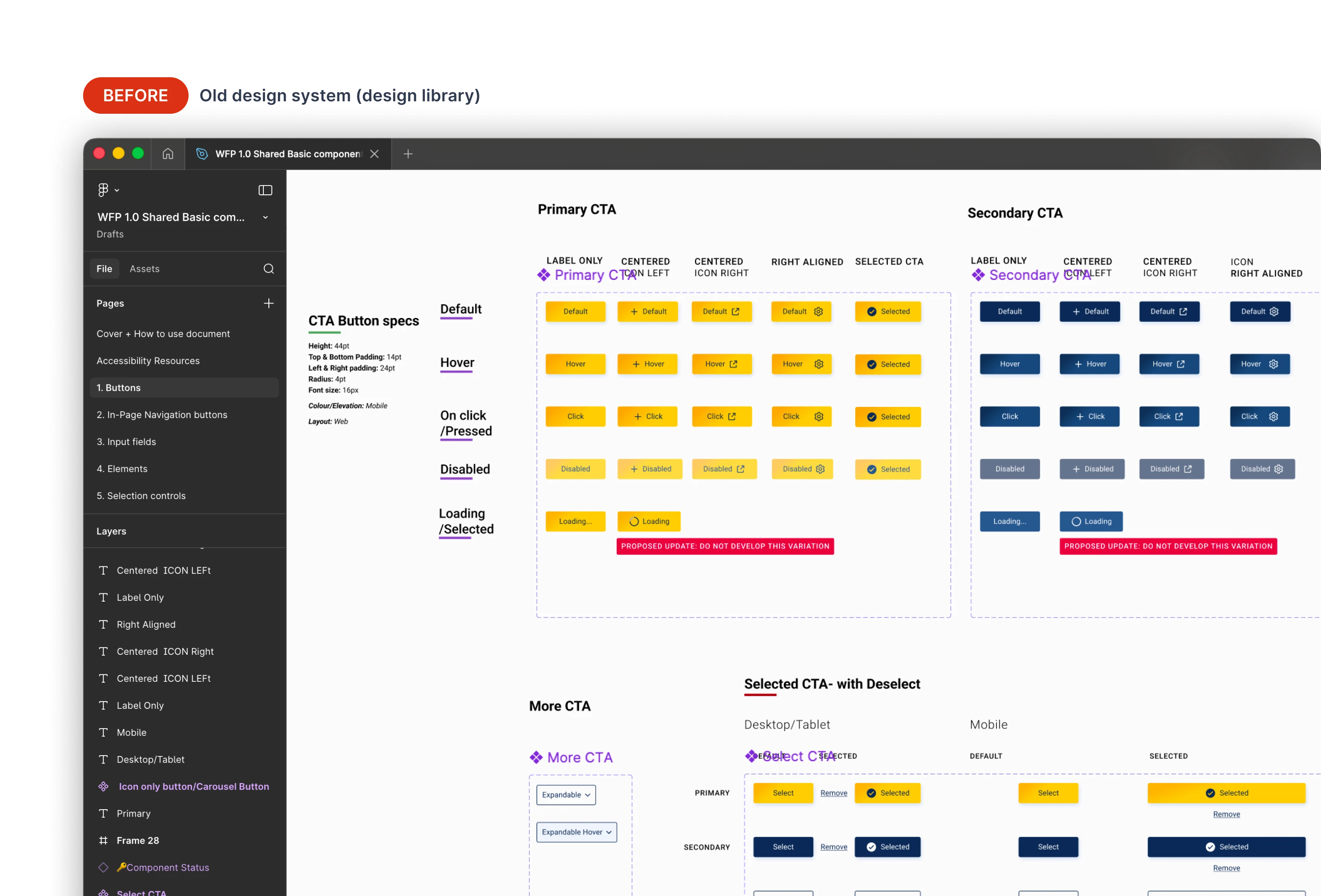
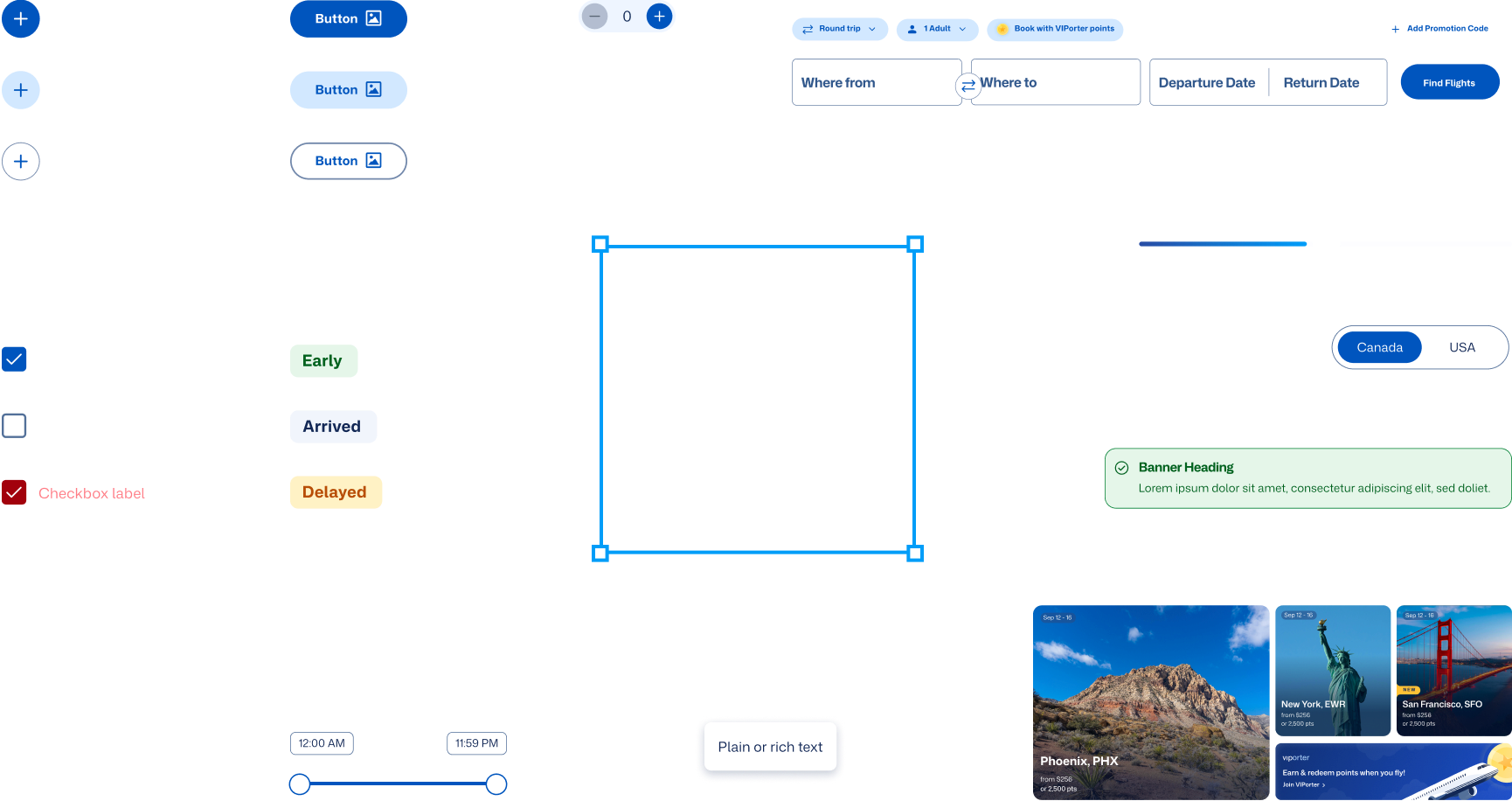
I audited Porter's critical flows and built 33 core components, from universal UI like buttons and comboboxes to Porter-specific patterns like airport codes and the flight tracking bar. Consolidated from 24 fragmented libraries into one. Spacing, color, and typography tokenized throughout.
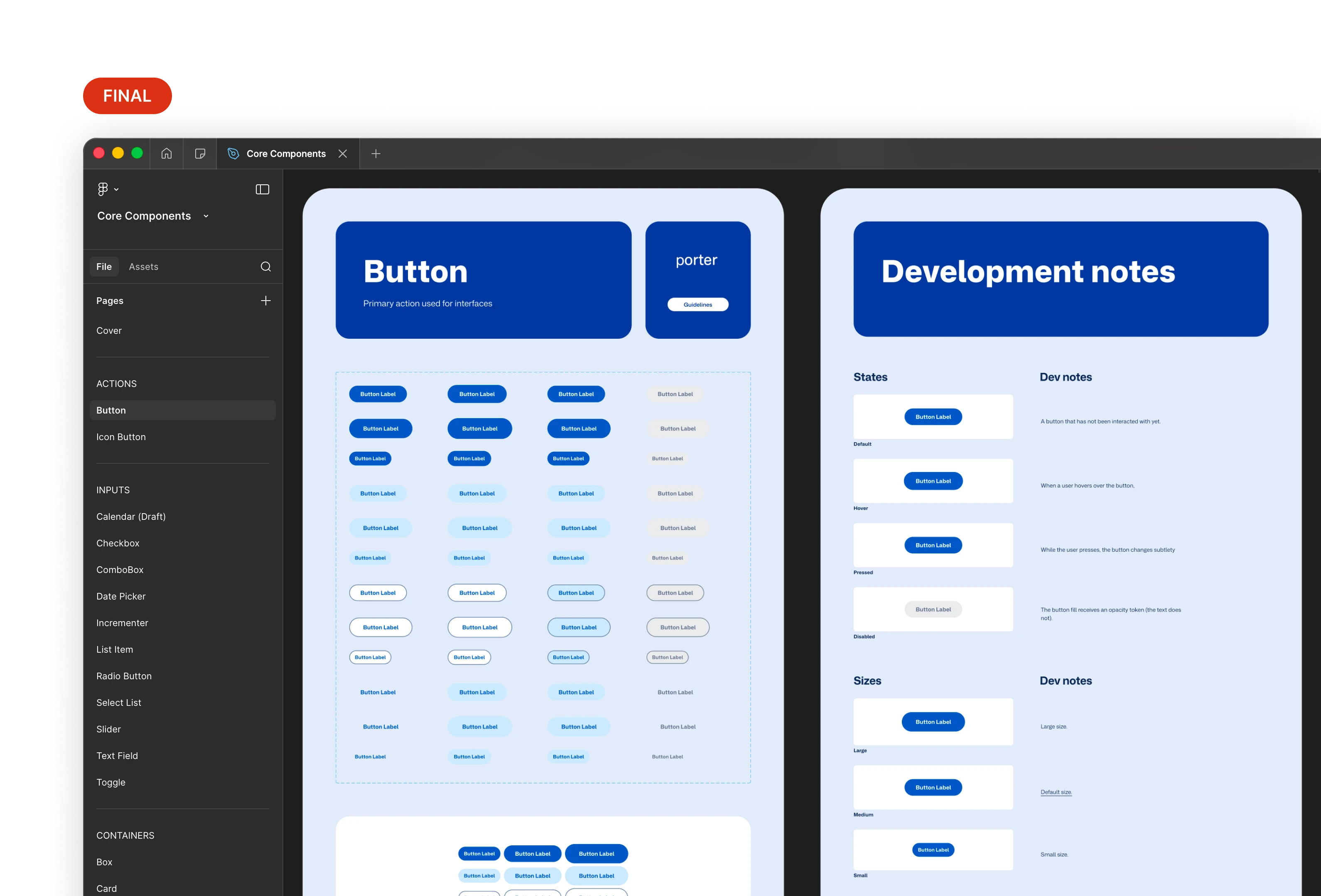
One place to find everything.
I co-led writing usage guidelines with the product owner, accessibility lead, and content designer. Every component shipped with documented intent, interaction states, accessibility notes, and implementation guidance for developers.
Microinteractions took the most iteration. Each one had to feel right to stakeholders, pass WCAG 2.2, and work as a repeatable pattern across components. We went through several rounds as the library grew, pressure-testing early decisions against new edge cases we uncovered.
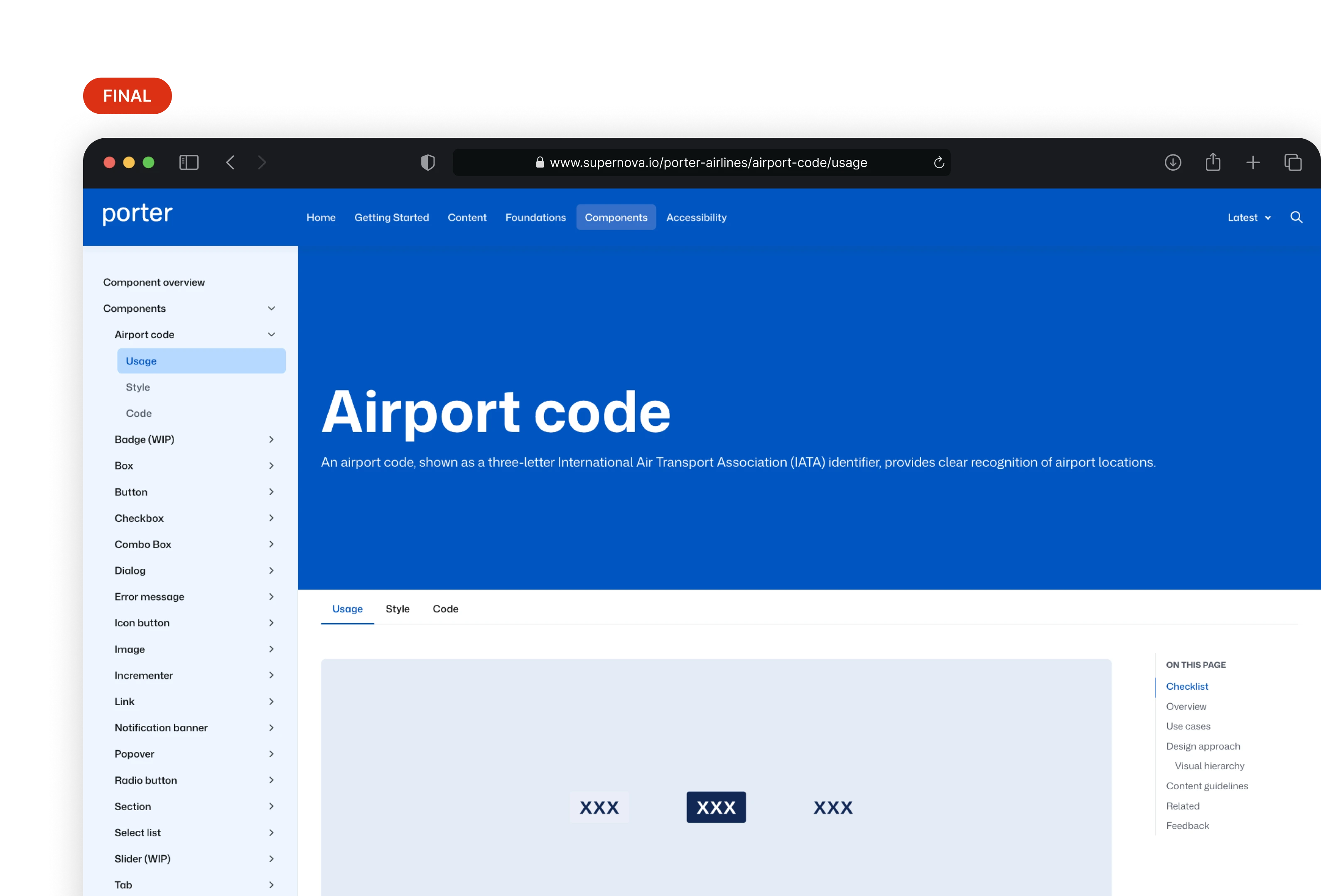
Component documentation in Supernova. Design decisions don't get lost in handoff.
I mentored five designers 1:1 to build familiarity with the system and surface gaps. I recorded short release demo videos so updates were easy to absorb. While training Victoria, I ran a screen replication challenge with Victoria, with the system, she finished 20% faster than without it.
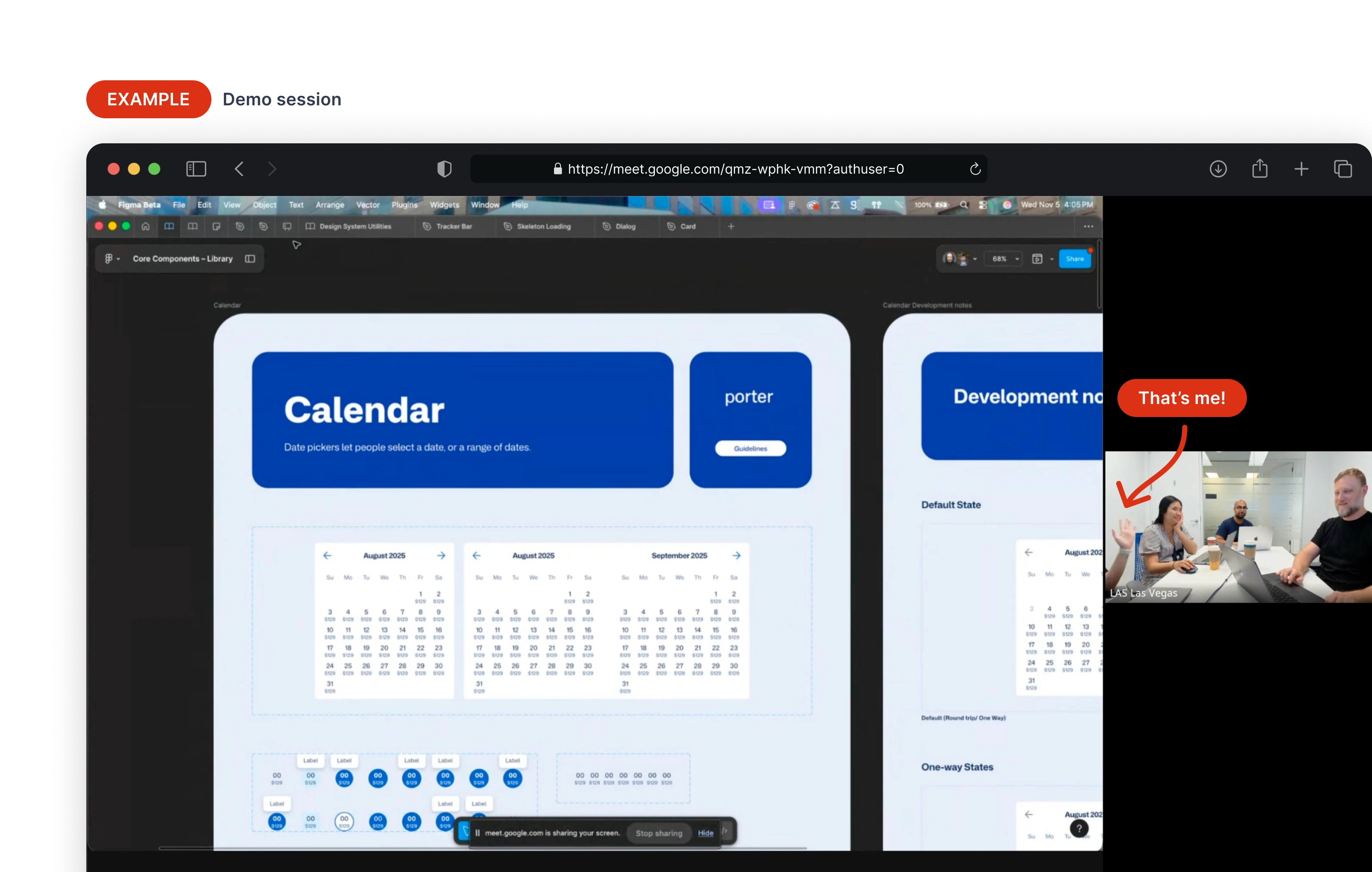
Our demos were short, scannable, and fun.